FPS reaction test
Click or tap the dot in the middle, then hit the target the moment it leans out from cover. Ten targets make one round.
Measuring your page refresh… Compare rounds on the same mouse and screen.
Why your device mattersYour rounds
Saved only in this browser. Click and keyboard rounds are kept apart.
| Round | Mode | Average | Hit rate | Slower side | Label |
|---|
No rounds yet. Finish a round and it shows up here.
How the FPS test works
Start from the middle
Click the dot in the middle before each target. Your mouse then starts from the same place every time, so your rounds are comparable.
Hit it before it ducks back
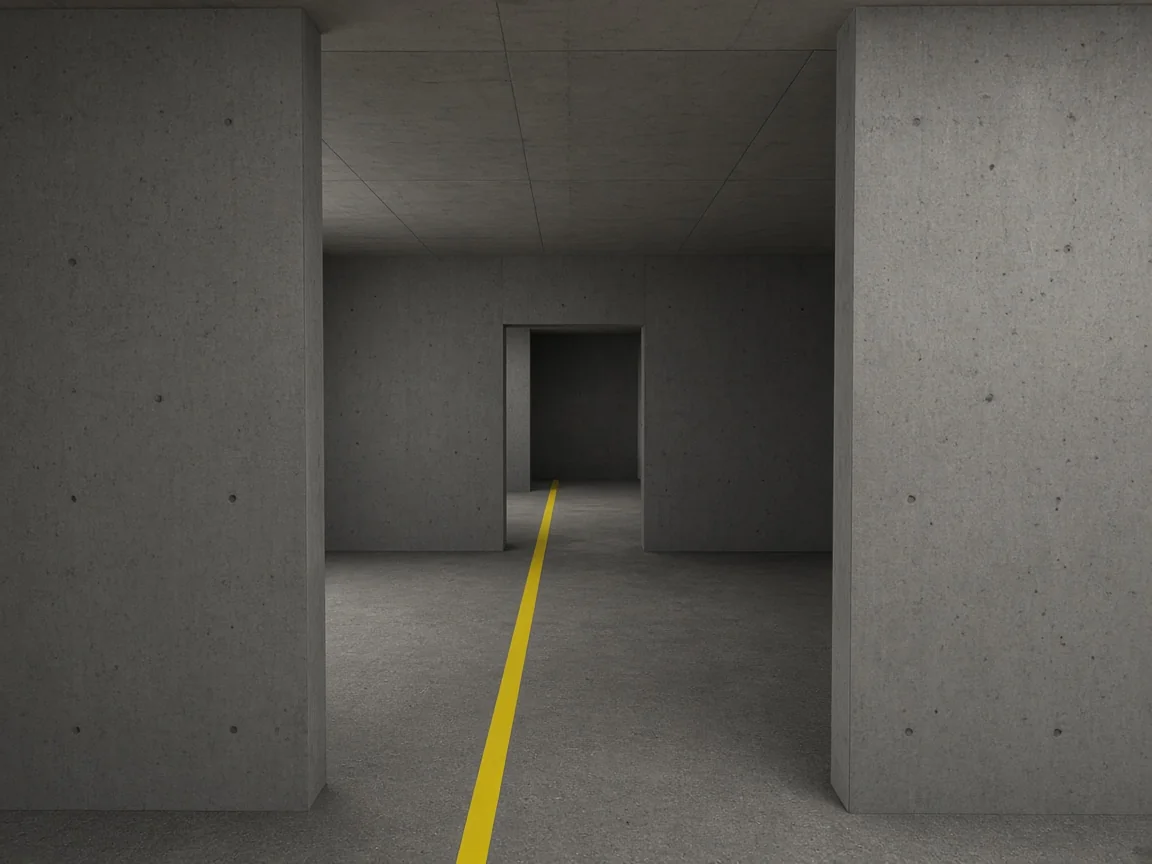
After a random wait, a target leans out from the left or right wall and stays out for 1.5 seconds. Clicking before it appears is a false start and that target is run again.
Keyboard mode
Press A or the left arrow when the target appears on the left, and D or the right arrow for the right. It measures reaction and decision without aiming, and its results are saved separately.
Not affiliated with any game
This test isn't affiliated with or endorsed by Valve (Counter-Strike 2) or Riot Games (Valorant). It uses no maps, characters, logos or sounds from either game. The scene and target are original artwork.
More tests
More reaction time games, each timed the same way.
Questions
Why is my FPS result slower than the simple test?
Here you have to see which side the target came from, move onto it and click or tap. That's reaction plus aiming, so it takes longer than the simple test, where you only press when the color changes.
Why do I start from the dot in the middle?
Clicking the dot puts your mouse in the same spot before every target, so each target needs the same move and your rounds are comparable. On a phone, tapping it simply starts the next target.
What's the difference between click and keyboard mode?
In click mode you move onto the target and click it, which measures reaction plus aiming. In keyboard mode you press A or the left arrow for a target on the left and D or the right arrow for one on the right, which measures reaction and decision without aiming. Keyboard mode is for computers, and its results are saved separately.
Is this the same as reaction time in CS2 or Valorant?
No. In a match you also have to find the enemy, read the situation and deal with network delay. This test isolates one moment: a target leaning out from cover. It isn't affiliated with or endorsed by Valve or Riot Games.